


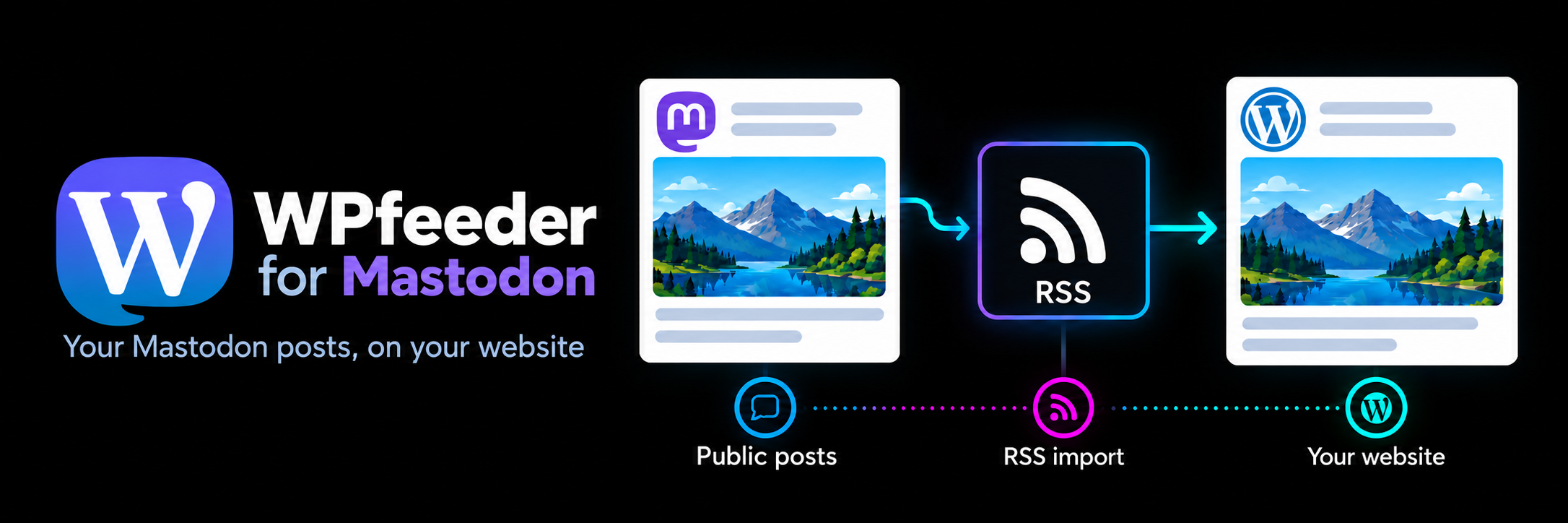

WPfeeder for Mastodon is an independent WordPress plugin by WPfeeder that imports public Mastodon posts into WordPress via RSS. Add one or more profiles, choose an author and category for each feed, and import manually or on a schedule.
Author and project details
The plugin is developed under the author name WPfeeder. The WordPress.org account associated with the project is no1sanplugins. This page on tigelaar.net documents those plugin details.
- Author: WPfeeder
- WordPress.org account: no1sanplugins
- Author profile: @wpfeeder on mastodon.social
What the plugin does
- Import public posts: turn items from Mastodon profile RSS feeds into published WordPress posts. No Mastodon login, API key or OAuth connection is required.
- Use multiple feeds: select a local publishing author, category, fallback title and item limit for each profile.
- Choose when to import: run an import manually, or every five minutes, hourly, twice daily or daily using WP-Cron.
- Control the import size: select up to 40 of the newest items per feed and import them from oldest to newest.
- Reduce duplicate posts: skip items whose source URL is already stored on an imported WordPress post.
- Include images and source links: optionally download images to the Media Library, set the first successful image as the featured image, and add a link to the original Mastodon post.
- Check recent activity: view a local log of the latest import actions and errors.
Getting started
Upload and activate the plugin ZIP, then open WPfeeder for Mastodon in the WordPress administration menu. Add a public profile URL such as https://mastodon.social/@username or its .rss URL. Select an author who can publish posts, choose your import settings and save. Use Import now or set an import frequency.
Imported posts are published immediately. Only import content you have permission to republish. Scheduled imports depend on visits to your website or a separately configured cron job.
The plugin requires WordPress 6.8 or newer and PHP 7.4 or newer. The PHP DOM extension is needed for extracting feed images, and your server must be able to reach the configured public feed and media hosts.
Privacy and external services
Imports contact the Mastodon servers you configure and, if image downloading is enabled, the media hosts referenced by those feeds. Those hosts receive normal HTTP request information, including your server’s IP address. No WordPress post content, user list or account credentials are sent to Mastodon. Imported content may still contain remote images that visitors’ browsers load from external hosts.
Settings, imported posts, source URLs, downloaded images and a log of up to 200 recent entries are stored locally in WordPress. Deactivation stops scheduled imports. Deleting the plugin removes its settings and log while keeping imported posts and media. Each external server’s own terms and privacy policy apply.
Independent project
WPfeeder for Mastodon is not affiliated with or endorsed by Mastodon or WordPress. The name “Mastodon” identifies the service the plugin imports from. The plugin reads public RSS feeds; it does not import private posts or account archives, and it does not synchronize later edits or deletions. For plugin questions, contact WPfeeder on Mastodon.